

Over the years I’ve had countless email addresses across a variety of Internet Service Provider accounts and free hosted webmail. I guess I really started to pay attention to email services the day Hotmail decided to flood its user interface with adverts… which was the reason I left.
I’ve been using Gmail since it was still invite-only, which is how I was lucky enough to get the email address I wanted. I’ve always liked Gmail; the adverts aren’t too in your face and it served me well for almost a decade.
When Microsoft launched Outlook.com, I naturally signed up so I could get another address I wanted before all the ‘good ones’ got snapped up. However, one distinct feature of Outlook.com started to make me doubt my loyalty to Gmail – aliases.
In recent years, my email requirements have become more complex. I run two different blogs, both of which require their own email identities. I still need my personal email. Plus I have earmarked other projects that I’ll eventually get around to doing. On top of that, more and more services are becoming digital (like renewing driving licenses and passports) – so if your parent(s) aren’t tech-savvy, you’ll probably find yourself doing these things for them online – and it’s just easier if they have their own email address, even if it’s an alias on your mailbox.
I thought Outlook.com could solve my email woes with aliases (the one thing Gmail is lacking), or at least I did up until I added an alias to the wrong email account. And while you can remove aliases, it takes 30 days for them to become available again and even then there is no guarantee that you will get to it first.
This started to make me think about the security and privacy of email and how I should take it more seriously. Data mining is very big business these days and I don’t really like the idea of other people making money off my data – as boring as my data is, it’s still mine. Plus I’ve spent a few bob building a small domain name portfolio which would be better used with some MX records attached.
So I started to look at paid email services. I was initially looking at Microsoft’s Exchange Online and Office 365 Business Essentials (since my existing Office 365 Personal subscription was expiring), but since neither of these offered a free trial and I wasn’t sure they would actually meet my alias needs, I kept looking. I briefly considered Google Apps for Work, but let’s face it, Google Docs isn’t Microsoft Office.
After having this conversation with my friends at work, one of them recommended FastMail. I’d never heard of FastMail and was initially a little skeptical. However, if you scroll to the bottom of their homepage you’ll see “FastMail is crafted with care in Melbourne, Australia” – so being Aussie, I immediately signed up for their 30-day free trial.
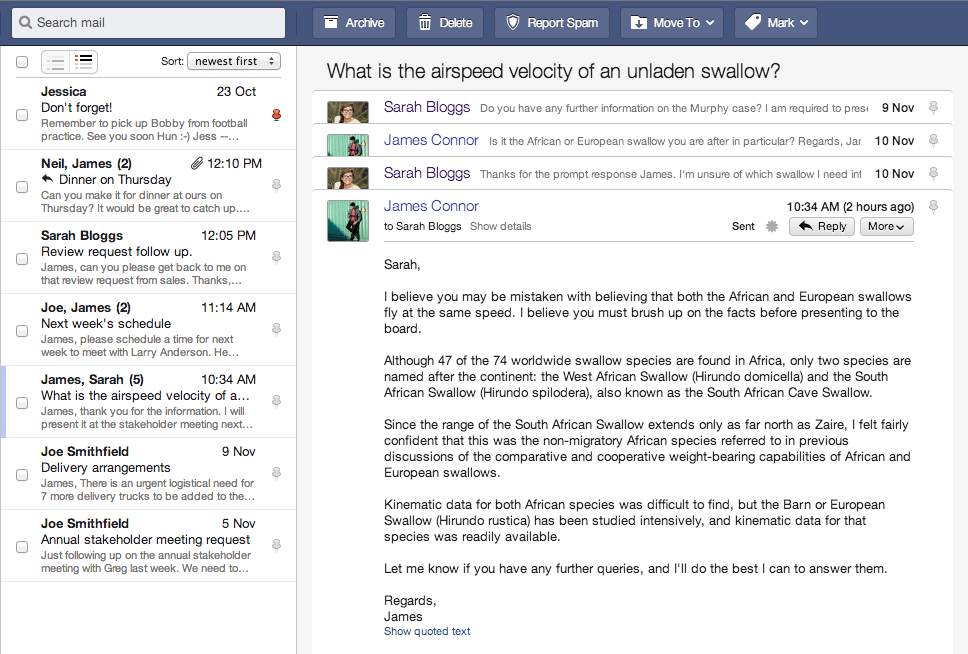
So what are my alias needs exactly?
- 1 mailbox that receives mail from all of my different alias email addresses
- The ability to send mail from those alias addresses (not just the primary default address)
- Upon other people receiving emails from any given alias, I wanted to choose how the From name was displayed
The last point is where Outlook.com failed – all alias mail would adopt the display name from my primary default account (my first and last name) – which isn’t what I wanted for my blog email addresses. (Plus Outlook.com aliases are <example>@outlook.com which isn’t bad, but my custom .com domain names are better.)
Once you’ve set up your DNS / MX records and added your Virtual Domains and Virtual Aliases into FastMail, there is an Advanced setting called Personalities which customises the settings for each alias – exactly what I was after. Plus, if you download the FastMail app for your phone, you can easily send it from your aliases on the go as well as in webmail. There is also a Migration tool so you can import your email from existing IMAP mailboxes – for information on how to migrate to FastMail from another provider, visit this page.
Unsurprisingly, Gmail and Outlook.com didn’t give up without a fight. However, with a few security changes, I finally got the FastMail Migrate IMAP tool to complete successfully for both.
For Gmail migration failures, do all 3 of these before re-trying the migration:
- Verify login attempt from FastMail New York datacentre here
- Turn on less secure apps here
- Unlock CAPTCHA here
For Outlook.com migration failures, do this before re-trying the migration:
- Verify login attempt from FastMail New York datacentre here
Once the migration is complete:
- Re-secure your Gmail account here
- Add a forwarding address from Gmail or Outlook.com to FastMail
Another thing to consider is the email providers Security and Privacy policies. FastMail states: “We won’t release any data without the required legal authorisation from an Australian court. As an Australian company, we do not respond to US court orders.” However, their datacentre is in New York City, USA. I wasn’t sure how that worked exactly, so I asked them. FastMail responded with:
“A US court order on the NYI data centre could release FastMail servers, however the data on them is encrypted, and is not accessible to anyone under US jurisdiction. So the customer data on any seized servers would still be secure. We are compelled by Australian law to refuse requests from overseas law enforcement.”
Update: More than a year later and I’m still happily using FastMail and can genuinely recommend them. If you’re thinking about checking them out, click here then go to Sign up and get 10% off your first year.
I made the switch over to thexyz webmail last year and it is well worth every penny. I also tried fastmail but the spam protection was lacking.